
How to set your return and sender address
In PeakWMS, you need to set the return and sender address with your webshop name.
You do this under Settings -> Integrations - Webshop Integration:
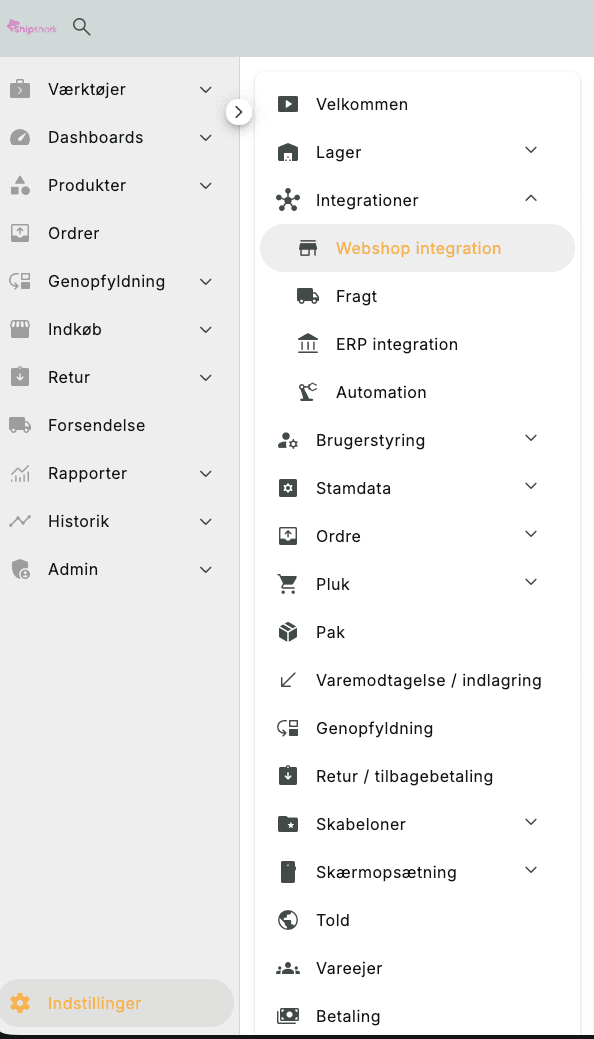
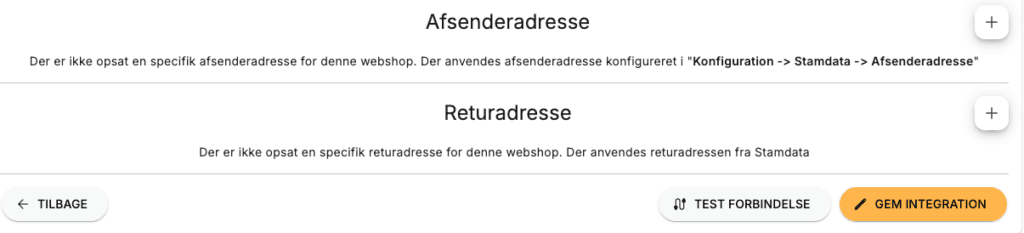
Then select the webshop you want to set the address for. At the bottom you see the two addresses you can enter. Press the "Plus" icon next to each so you can create them:
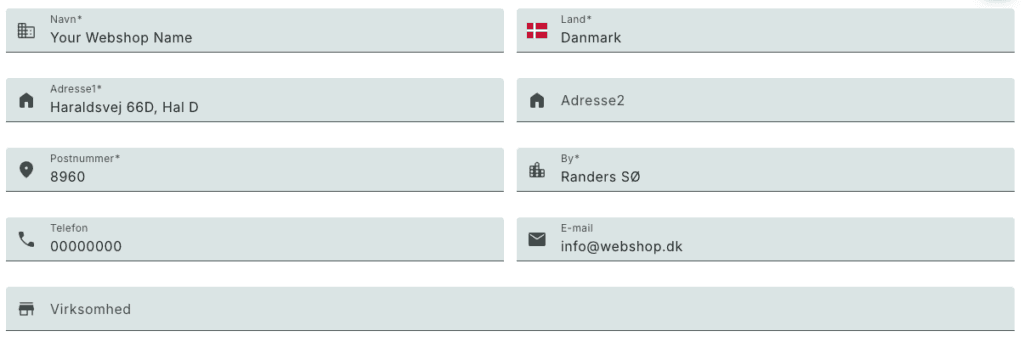
You must fill in our address, but your Webshop name, phone number and email. If you don't have a phone number you can write "00000000"
Remember to press "SAVE INTEGRATION" at the end, otherwise your address will not be saved.
Note. Changing the return address does not necessarily mean that you will receive returned parcels to the new address. This must also be communicated to the freight forwarder who needs to reschedule their routes.