Peakwms
Priority orders
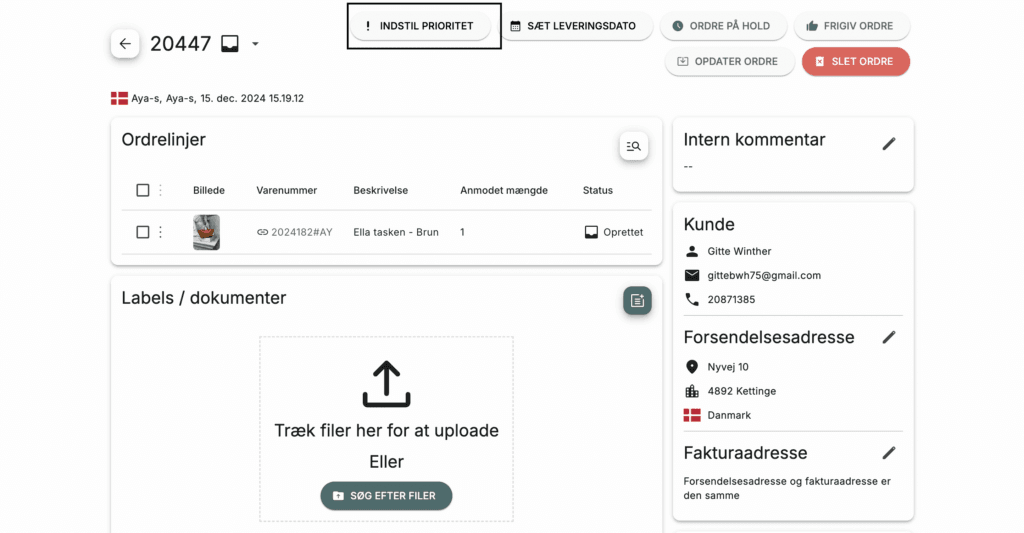
Sometimes you may have an order that is more urgent than others to ship out. In that case, you can use the "set priority" feature in Peak. We will automatically be notified that you want us to prioritize that order above others. You set priority like this:
-
Select "Orders" in Peak
-
Select the order you want to set
-
Press "Set priority"
Now we will automatically prioritize your order over others.