
Peakwms
How do I change my shipping address or shipping method?
Search for the order in PEAK and click the pencil under "Shipping address" if your customer wants to change the address. Enter the new address and save. You can also simply edit the address in Shopify and the change will go through.
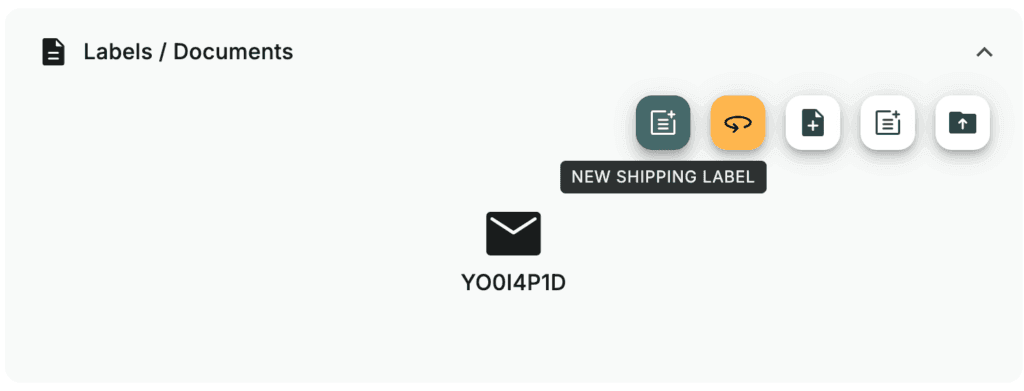
Also remember to create a new label by clicking the green “New Shipping Label” button under “Labels / Documents”:
Then click “Download Label” without selecting a printer:
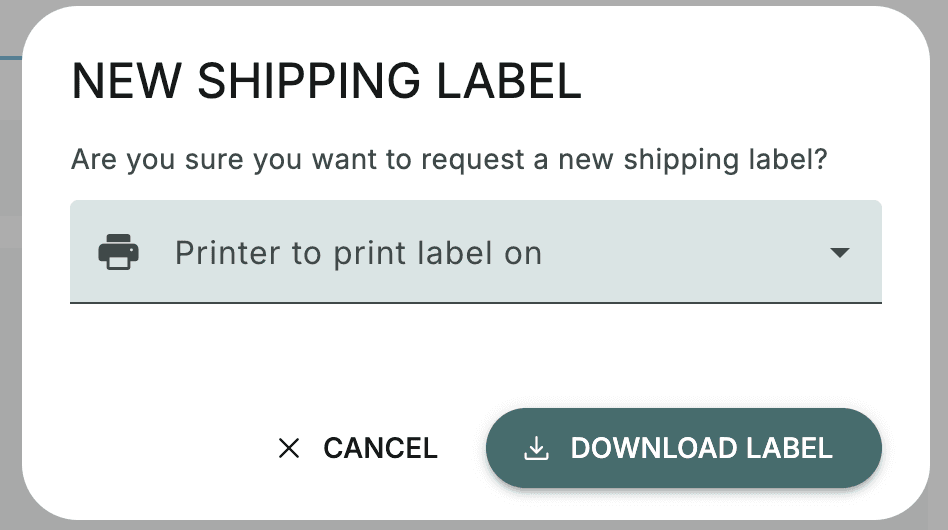
This will create a new label that is printed when the order is picked and packed:
Under “Shipping” you can also change the shipping method if, for example, the customer wants the order to be delivered to a parcel shop instead of to their door.