
Shipping with shipshark
Download the Webshipper app
We will first send you an invitation to a Webshipper account.
Once you have created a profile on Webshipper, you can download the Webshipper app.
How to get Webshipper installed:
-
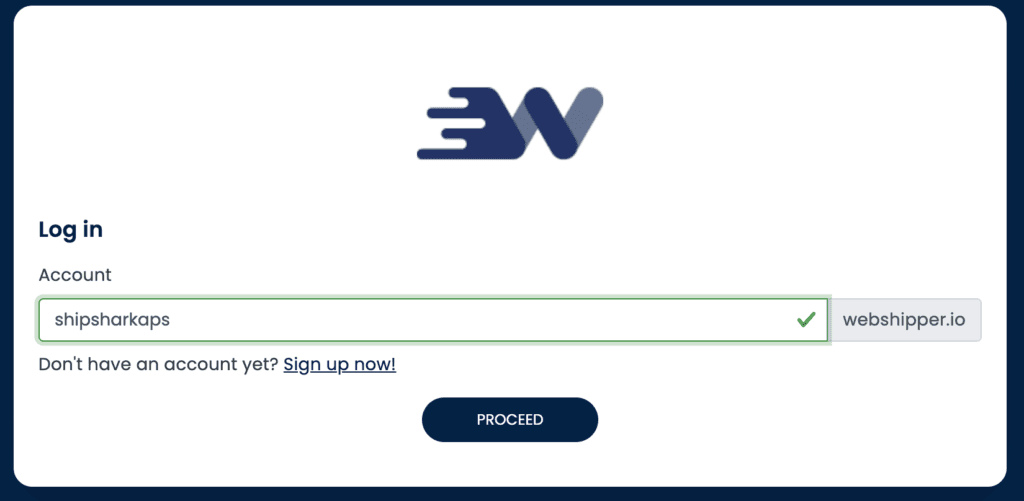
Log in to our Webshipper link here: https://shipsharkaps.webshipper.io
-
Next, install the Webshipper Shopify App here and follow the installation flow
Now your Shopify is connected to Webshipper. However, your Webshipper user is not automatically connected to your newly created shop integration. Therefore, you now need to let us know that you have downloaded the Webshipper app on your Shopify and followed the two steps above.