
Create return labels in Peak
Through Peak, you have the opportunity to make cheap and easy return labels for your customers. Important: Always use Shipshark's return flow (labels from Peak or our return portal) so returns reach us — see The return process in general.
For example, if you use GLS to ship your goods, you can give your customers a QR code that they simply scan in their parcel shop to send back. Read more about it here
You can also make return labels for your customers in Peak so you can provide them with return labels at cheaper prices as you utilize the shipping agreements you have with Shipshark. Of course, you can only create return labels for items that have already been shipped. Here is the process:
-
Select "Order"
-
Select the order
-
Scroll down to "Labels/Documents"
-
Tap on "Return label"
-
Do not select any printer, just select "DOWNLOAD LABEL":
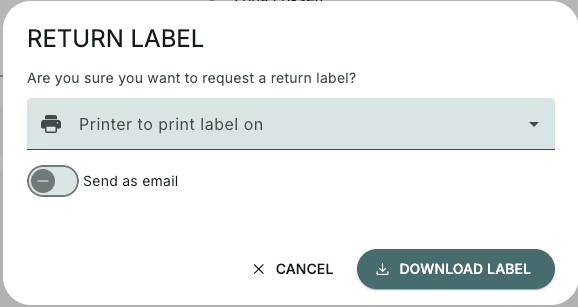
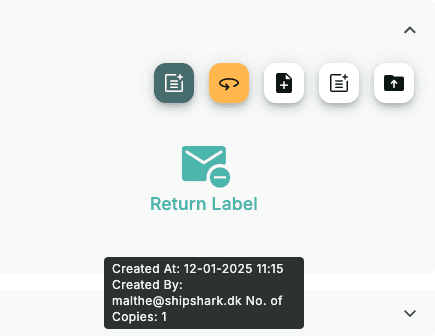
- Now you can download the new label as a PDF:
If you get an error message about a missing phone number, see this guide: Add a phone number in Peak