Webshipper
How to choose how many dynamic parcel shops you want to show in your Shopify checkout
If you have CCS on your Shopify and use Webshipper, you can choose the number of parcel shops to show in your checkout.
First, log in to your Webshipper account and select your webshop as the order channel: https://shipsharkaps.webshipper.io/connect/order-channels
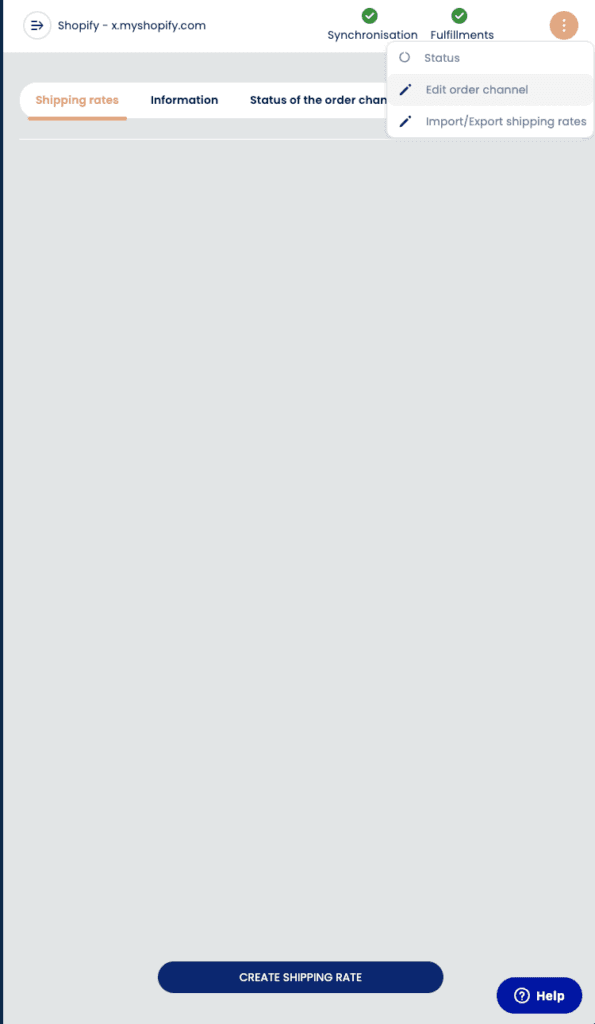
Then click the three dots in the top menu and select "edit order channel"
Under general you can select "AMOUNT OF DORP POINTS TO DISPLAY"
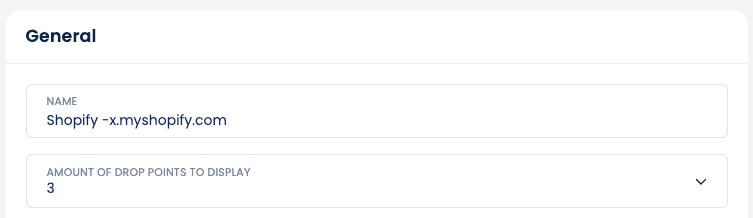
Remember to press "Update order channel" to save: